Replace 400MB sluggish bloatware with an ultra-lightweight, ad-free home screen. Lock sensitive apps with a 4-digit PIN, pause screen time instantly for dinner, and control everything from your phone.
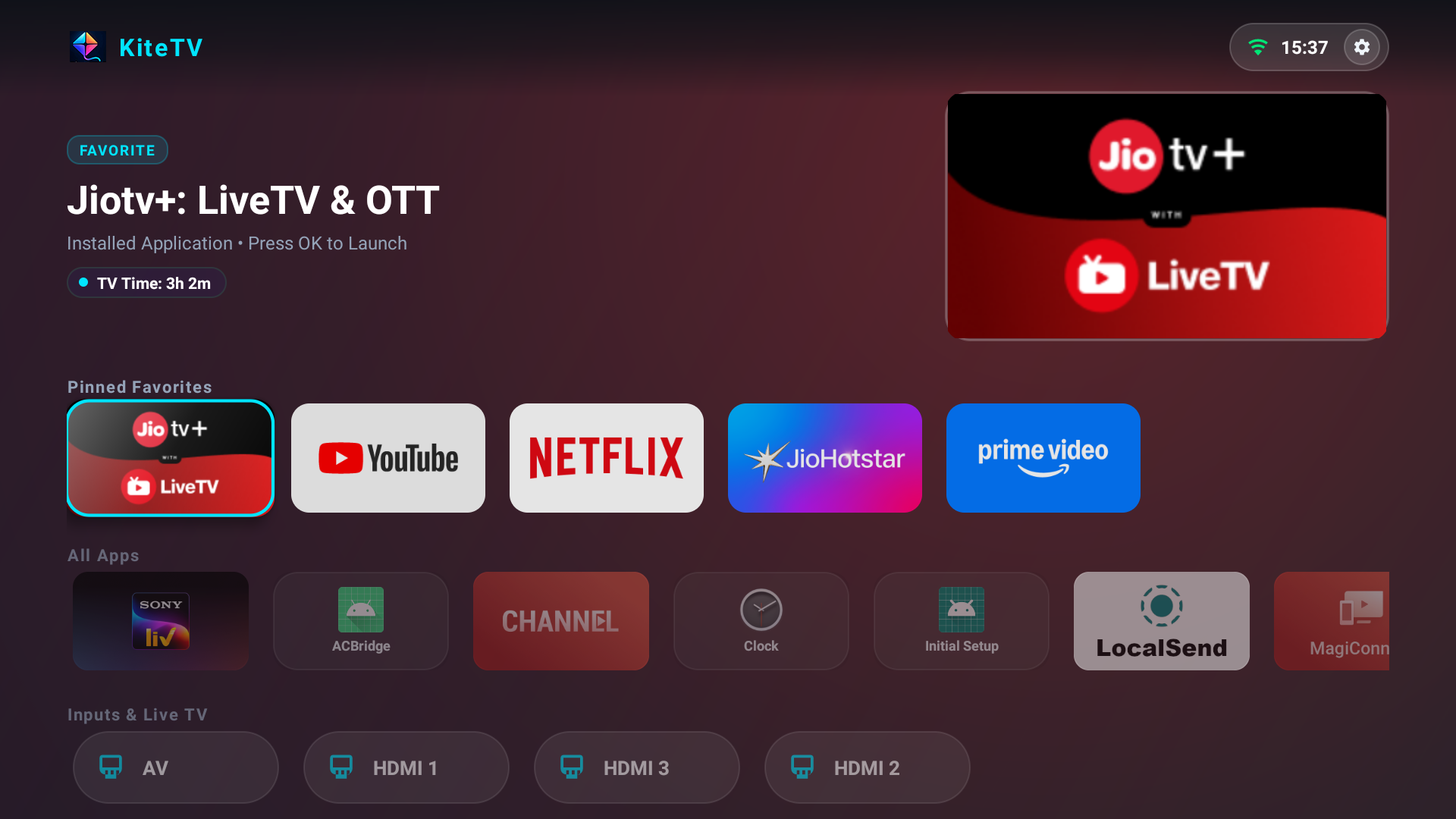
Everything you need to enjoy a lightning-fast TV experience and keep family screen time healthy.
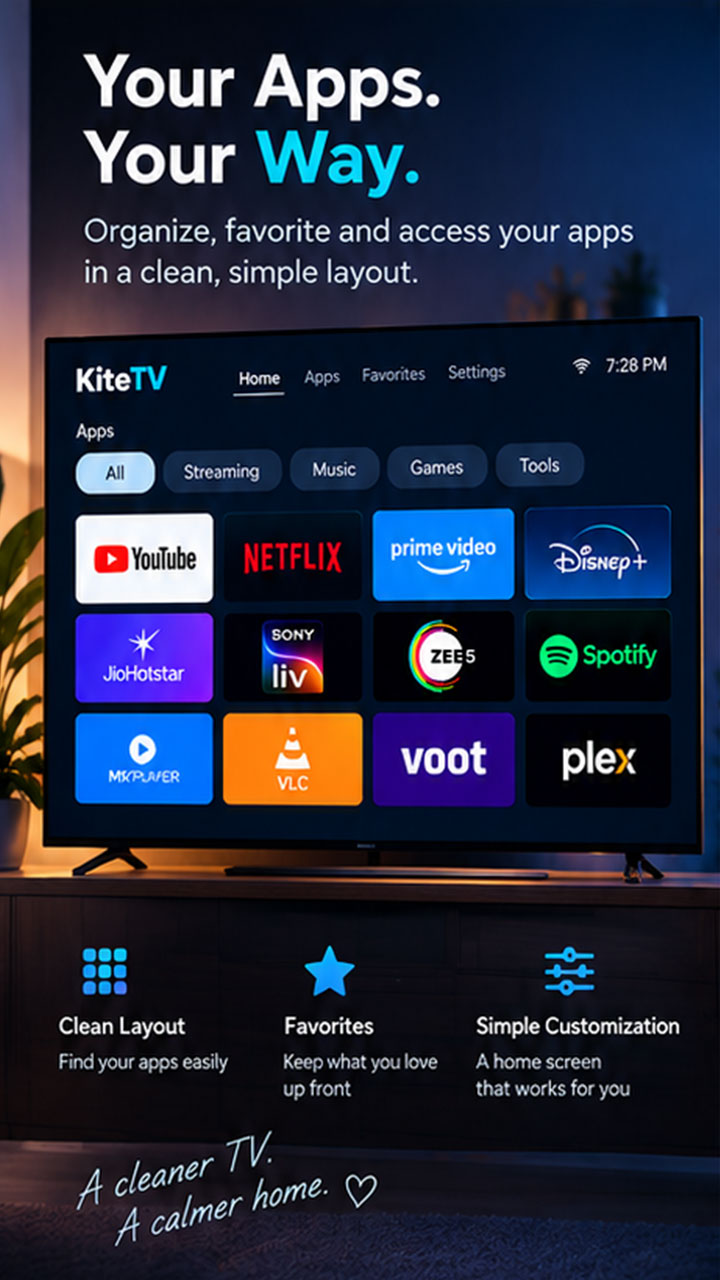
Say goodbye to home screen lag, slow-loading recommendation rows, and auto-playing ads. Enjoy an instant 60fps app grid with customizable order.
Pause TV screen time instantly for dinner, homework, or bedtime with custom countdown timers (15m, 30m, 60m, or custom duration) right from your phone.
Protect sensitive apps (like YouTube, Netflix, or Settings) behind a master 4-digit PIN and set daily minute usage quotas to prevent excessive screen time.
Control your TV, launch apps, send volume or navigation keys, and manage launcher settings from any smartphone or browser at kitetv.app/app.
Your viewing habits are your own business. All settings and limits are stored locally on your TV without ad trackers or third-party data collection.
Compatible with any Android TV or Google TV running Android 8.0 through Android 16 (Sony, TCL, Xiaomi Mi TV, OnePlus, Realme, Chromecast, etc.).
No app store installation required on your phone. Open kitetv.app/app in Safari or Chrome to pair and manage your TV seamlessly.
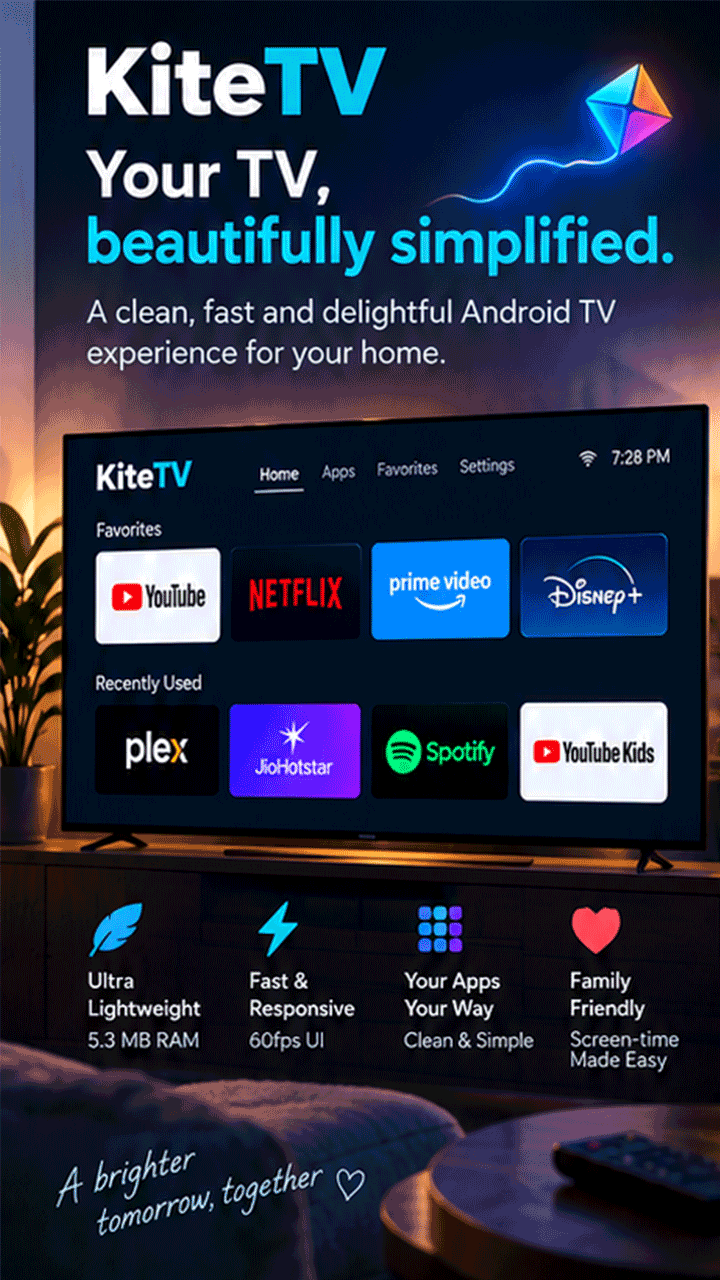
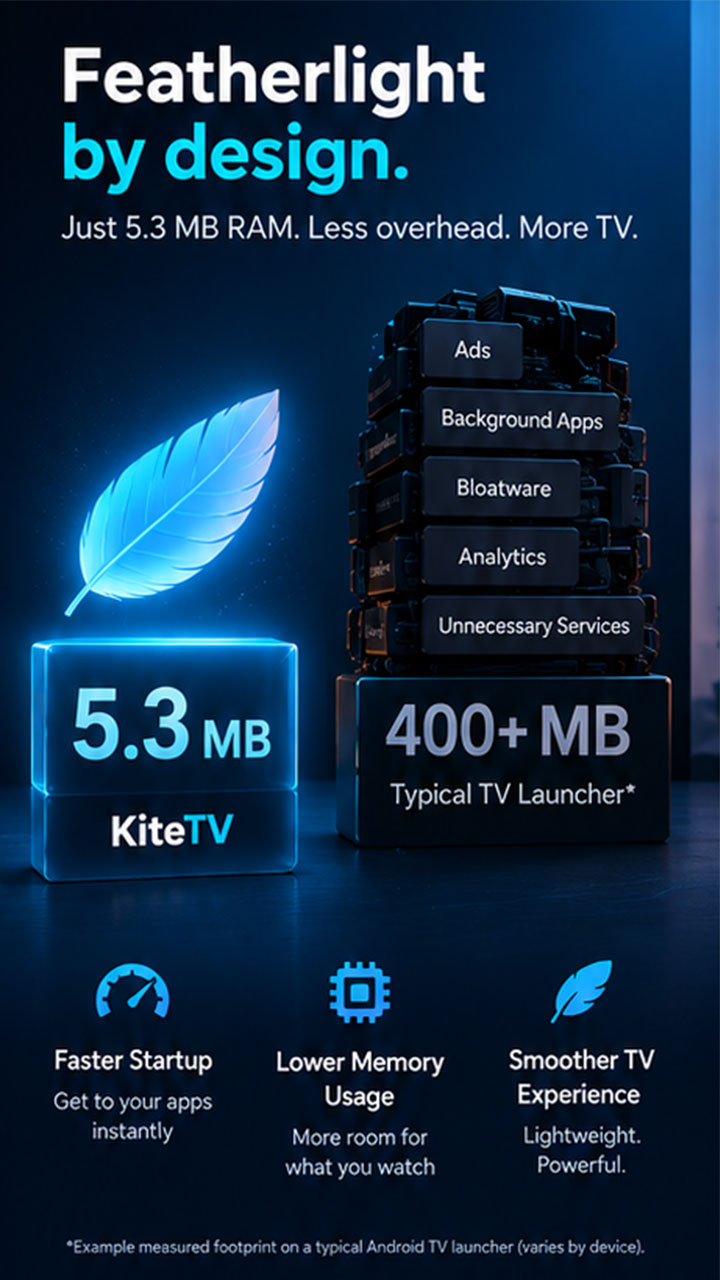
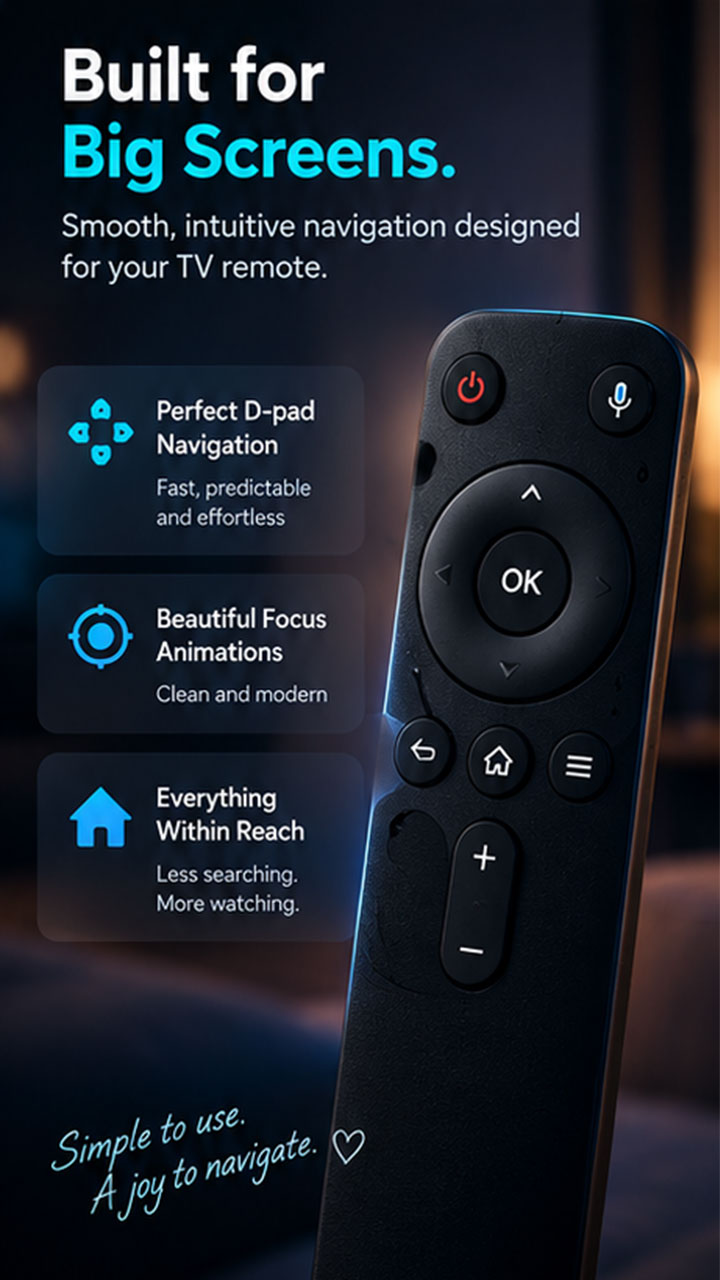
How KiteTV compares against default stock TV launchers and bloated alternatives.
| Feature | Default Stock Launcher | KiteTV Launcher |
|---|---|---|
| Memory Footprint | 350 MB – 500 MB RAM | 5.3 MB RAM (Ultra-Light) |
| Home Screen Ads | Sponsored rows & auto-play trailers | Strictly 0 Ads |
| Parental Curfew Lock | None / Complex menus | 1-Tap Instant Remote Pause |
| PIN App Lock | Requires complex 3rd-party services | Built-in 4-Digit Master PIN |
| Phone Remote Control | Requires Bluetooth / proprietary apps | Universal Web PWA (kitetv.app/app) |
| Startup Speed | 3–8 seconds lag | Instant (< 200ms) |
kitetv.app/app that runs directly in Safari, Chrome, or any mobile browser and can be added to your home screen with one tap.